
ℹ️ Affiliate Disclosure: This article contains affiliate links. We may earn a commission if you make a purchase through these links, at no additional cost to you.
Explore Smart Home Gadgets Worth Trying to Improve Daily Routines
A lamp that turns on before you reach the sofa. Curtains that open when your alarm goes off. A notification about water under the sink. Useful smart home gadgets solve small, familiar problems without demanding much attention once they are set up.
The smart home gadgets worth trying first are smart plugs, light bulbs, and simple sensors. They let you improve one routine at a time. Add a robot vacuum, thermostat, or curtain opener when it solves a recurring chore and fits your home’s layout, equipment, and preferred app.

Before buying, choose the room and the task. The following 15 ideas cover lighting, comfort, cleaning, and everyday awareness, with specific examples where manufacturer documentation helps explain the setup.
1. A Smart Plug for a Lamp You Already Own
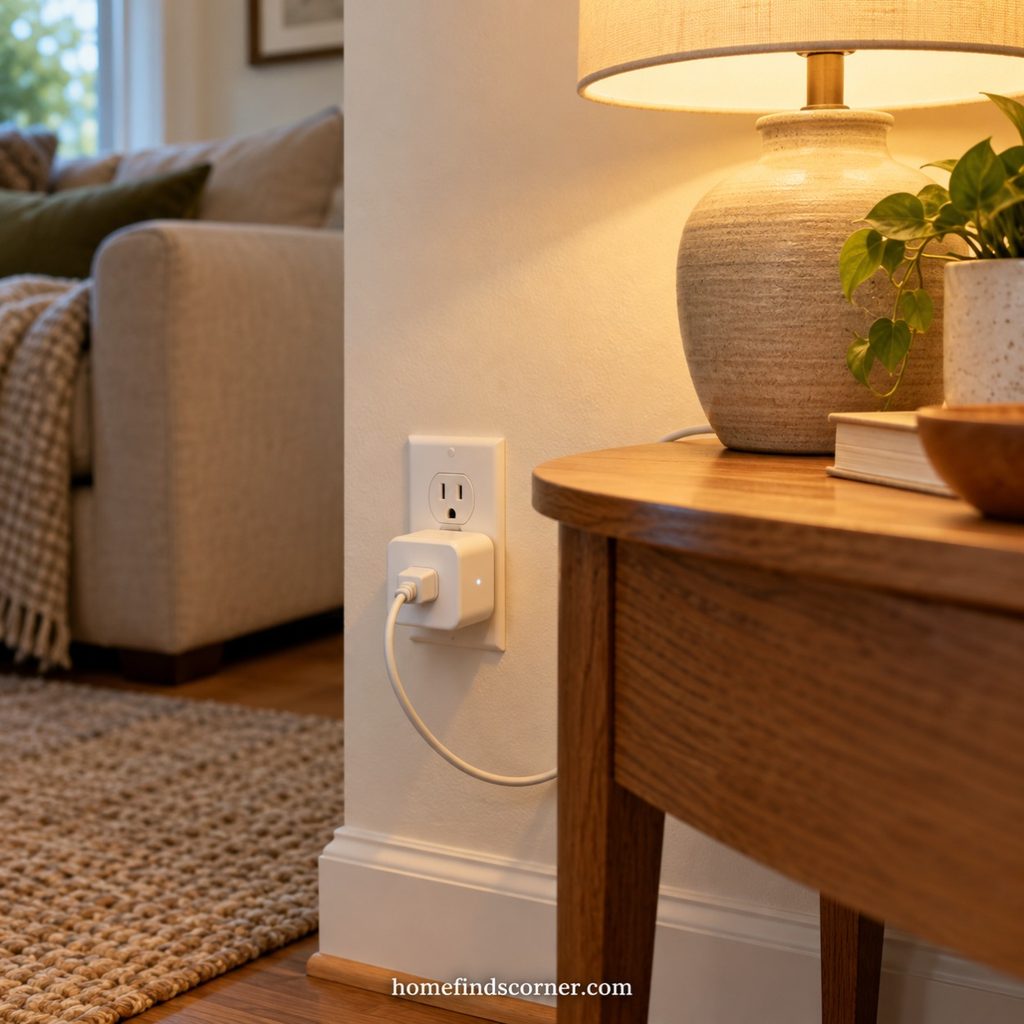
A smart plug is an approachable first purchase because you can keep your existing lamp. Plug it into the adapter, leave its mechanical switch on, and create an evening schedule.
The Tapo P125M offers scheduling, remote on/off control, and Matter support. It is a useful example for a reading corner or bedside table.
Check the plug’s electrical rating and whether the connected device resumes operation after power returns. Energy monitoring is a separate feature; do not assume every smart plug includes it. Start with a lamp rather than an appliance that needs supervision.
2. A Smart Light Bulb for Softer Evenings

A smart bulb makes sense when you want control over brightness and light color, rather than simple on/off switching. Set a comfortable reading scene and a lower setting for winding down.
The Tapo L535E supports adjustable brightness, white-light temperature, and colors. Check the base, bulb dimensions, and fixture requirements before ordering.
Try one bulb in a table lamp before changing an entire room. Keep its wall switch powered, and show everyone how to use the app or a compatible physical controller so the routine remains convenient.
3. A Smart Light Strip for Hidden Accent Lighting

A light strip behind a headboard, shelf, or media console can add a gentle layer of evening light. The most attractive installation usually hides the strip itself and lets the reflected glow do the work.
Choose a model with the white-light settings you actually want. Color effects are optional; comfortable warm light may be the feature you use most.
Measure the full route, including corners and the distance to an outlet. Check where the strip may be cut, whether extensions are supported, and whether its adhesive suits the surface. Leave the power supply accessible.
4. A Motion Sensor for Hallways
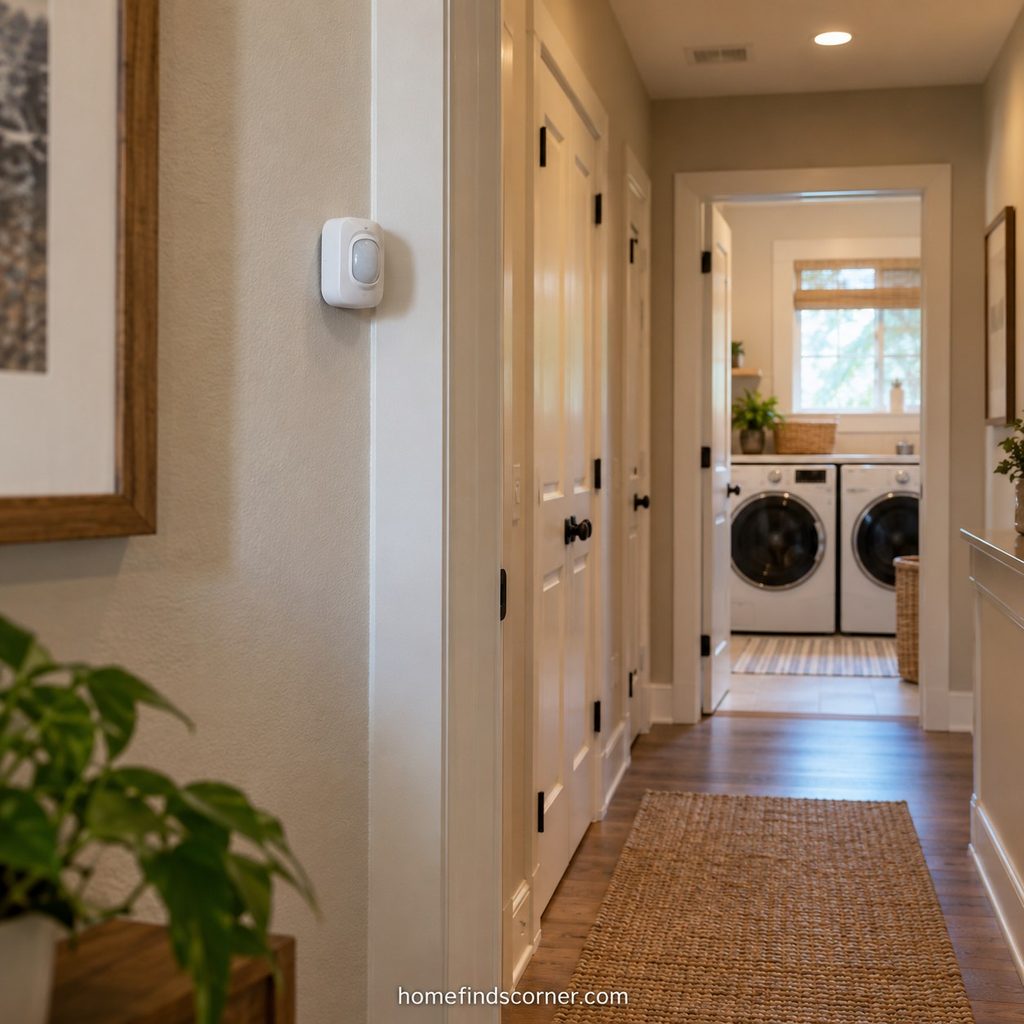
A motion sensor is useful where people pass through with full hands. Pair a compatible sensor with a light near the laundry room or hallway, then use a dimmer nighttime setting if your platform supports it.
Choose the sensor and lighting system together. Philips Hue’s accessory setup guidance includes motion sensors and physical lighting controls.
Aim the sensor at the approach to the room and test the timeout before relying on the automation. A short timeout can be irritating in a space where you pause to fold clothes or look through a cupboard.
5. A Presence Sensor for a Reading Corner
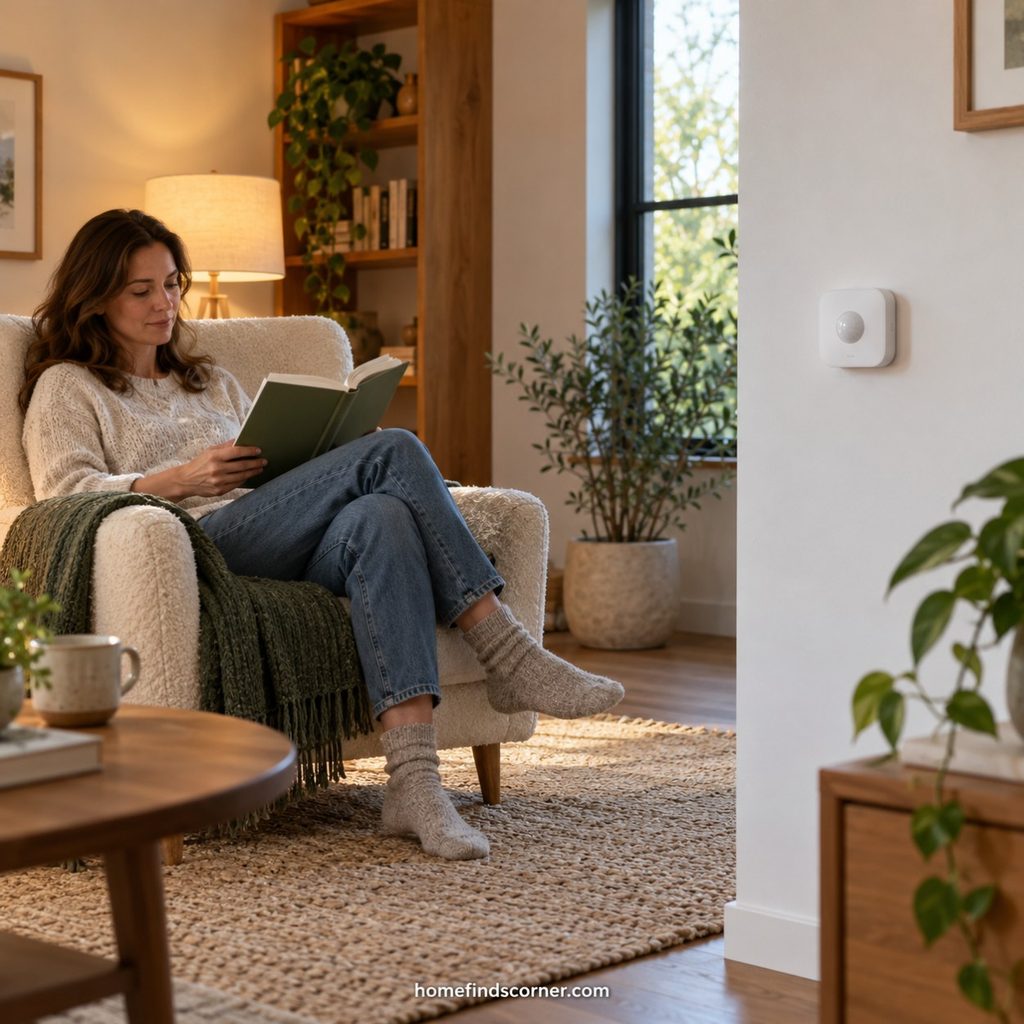
A presence sensor deserves a look if ordinary motion-triggered lights switch off while you sit quietly. Radar-based presence sensing can suit this kind of activity better than a simple passing-motion trigger.
The Aqara Presence Sensor FP2 uses radar and supports room zones. That makes it an option to investigate for a living room with separate seating and work areas.
Expect more setup than a basic motion sensor. Position it carefully, configure the room, and test your actual seating positions before adding several automations. Treat it as a comfort upgrade rather than an essential first purchase.
6. A Water Leak Sensor Under the Sink
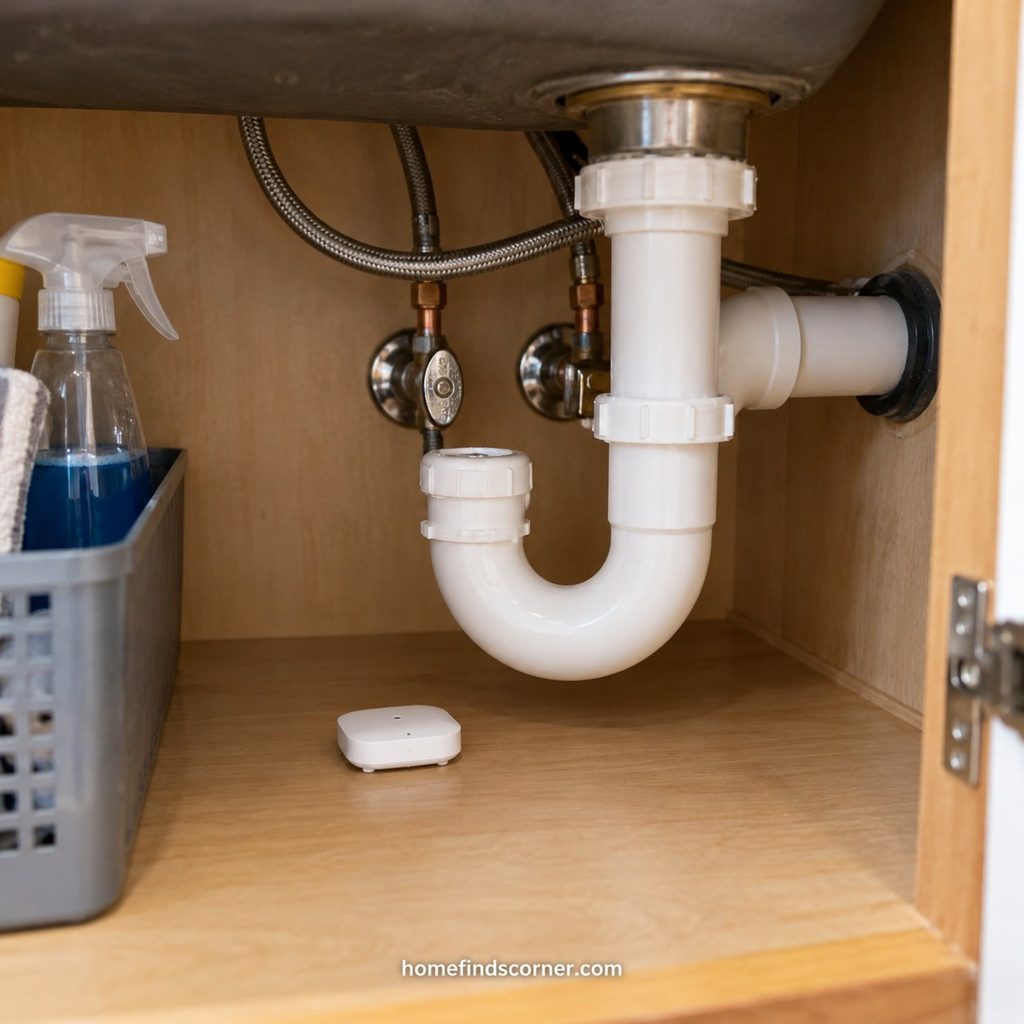
A leak sensor is easy to overlook because it does not change how a room looks. Its purpose is straightforward: notice water in a place you rarely inspect.
The Aqara Water Leak Sensor is one example. Check its compatible hub requirements and alert setup before buying.
Place the detector where escaping water would reach its contacts, following the manufacturer’s instructions. Confirm that notifications arrive on your phone. A detector sends information; shutting off the water requires a separate compatible valve system or someone taking action. Keep the sensor accessible for testing and battery replacement.
7. A Door and Window Sensor for Status Checks
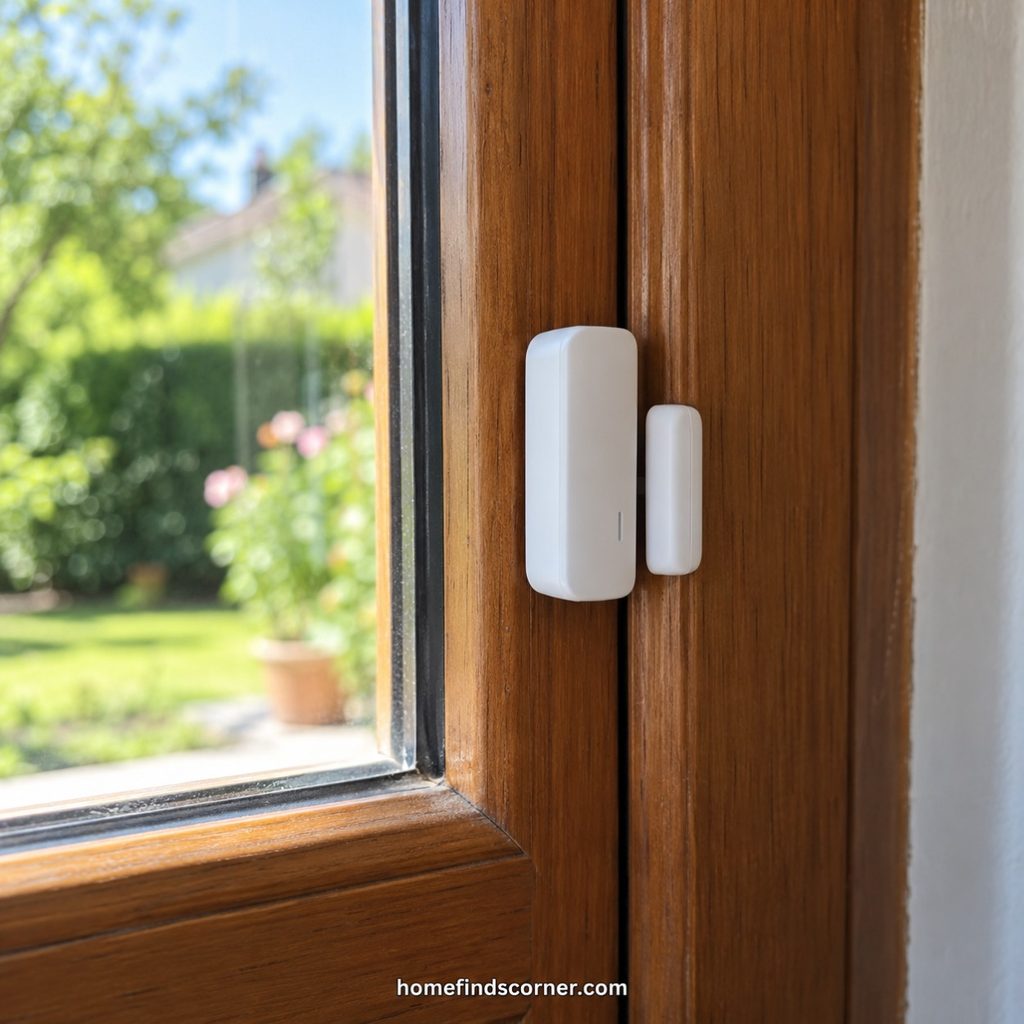
A contact sensor answers a small but useful question: is this door or window open? You might use one on a back door or a window that is easy to forget before leaving.
The Aqara Door and Window Sensor P2 uses Matter over Thread. Its setup requires suitable Matter and Thread infrastructure, so a phone alone is not the whole system.
Check alignment and the permitted gap between the two pieces. For reminders, verify that your chosen platform supports the notification or automation you want. An opening alert does not physically secure the door.
8. A Smart Thermostat for a More Consistent Schedule
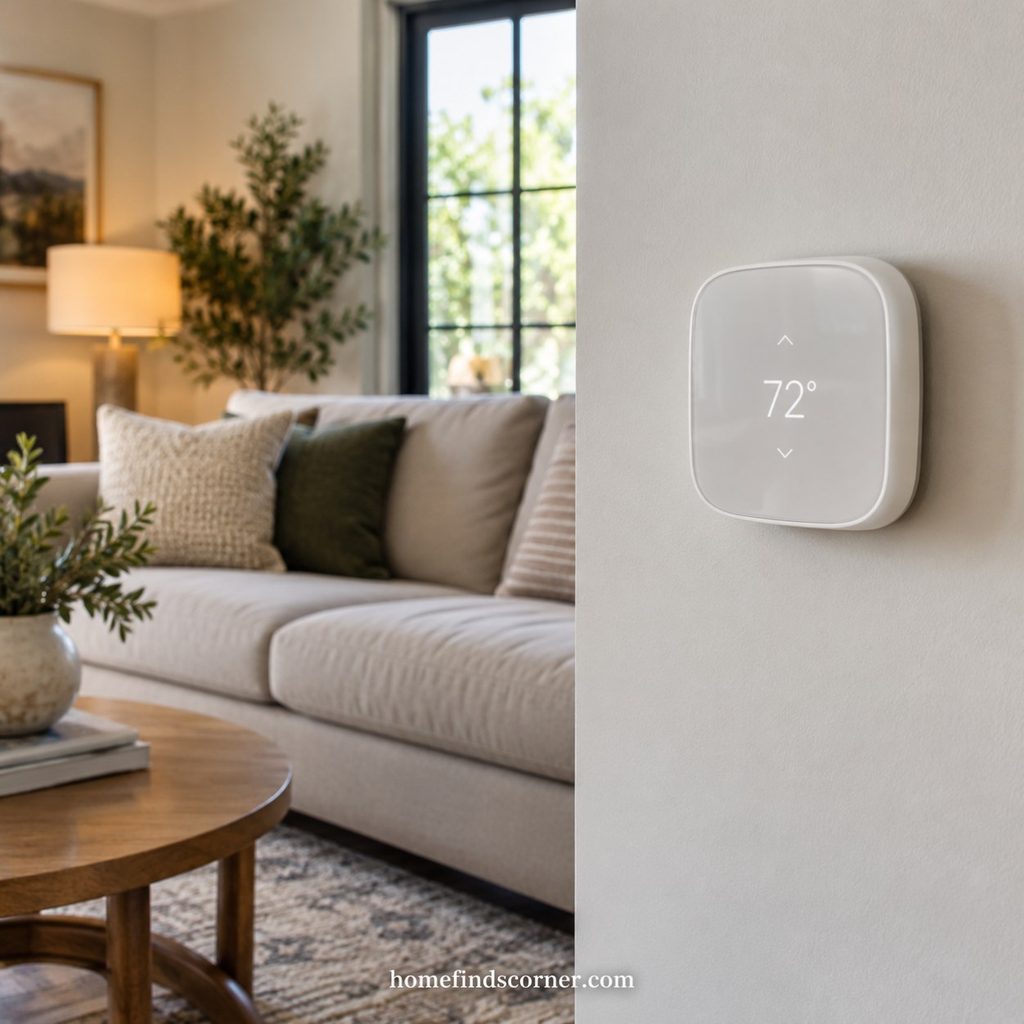
A smart thermostat is worth considering when adjusting the temperature has become a daily chore. A schedule and app control can make routine changes easier.
The ecobee Smart Thermostat Essential provides a documented example. Run the manufacturer’s compatibility check using your actual heating and cooling equipment before deciding.
Installation requirements matter more than the appearance of the screen. Check wiring, power requirements, and any extra adapter needed. Energy savings depend on the home, climate, equipment, and previous habits, so avoid treating advertised maximum savings as a personal forecast.
9. A Curtain Opener for Existing Curtains

An automatic curtain opener can make a bedroom routine feel easier without replacing the fabric you already like. Opening curtains at a set time is a simple use case.
SwitchBot Curtain 3 comes in versions for different curtain hardware. Check the compatibility guide carefully; remote access and wider platform integration can require a separate hub.
Look at how the panels move, not just the width of the window. A pair that opens from the center may need two devices. Include charging access and the cost of any optional accessories in your decision.
10. A Temperature and Humidity Monitor
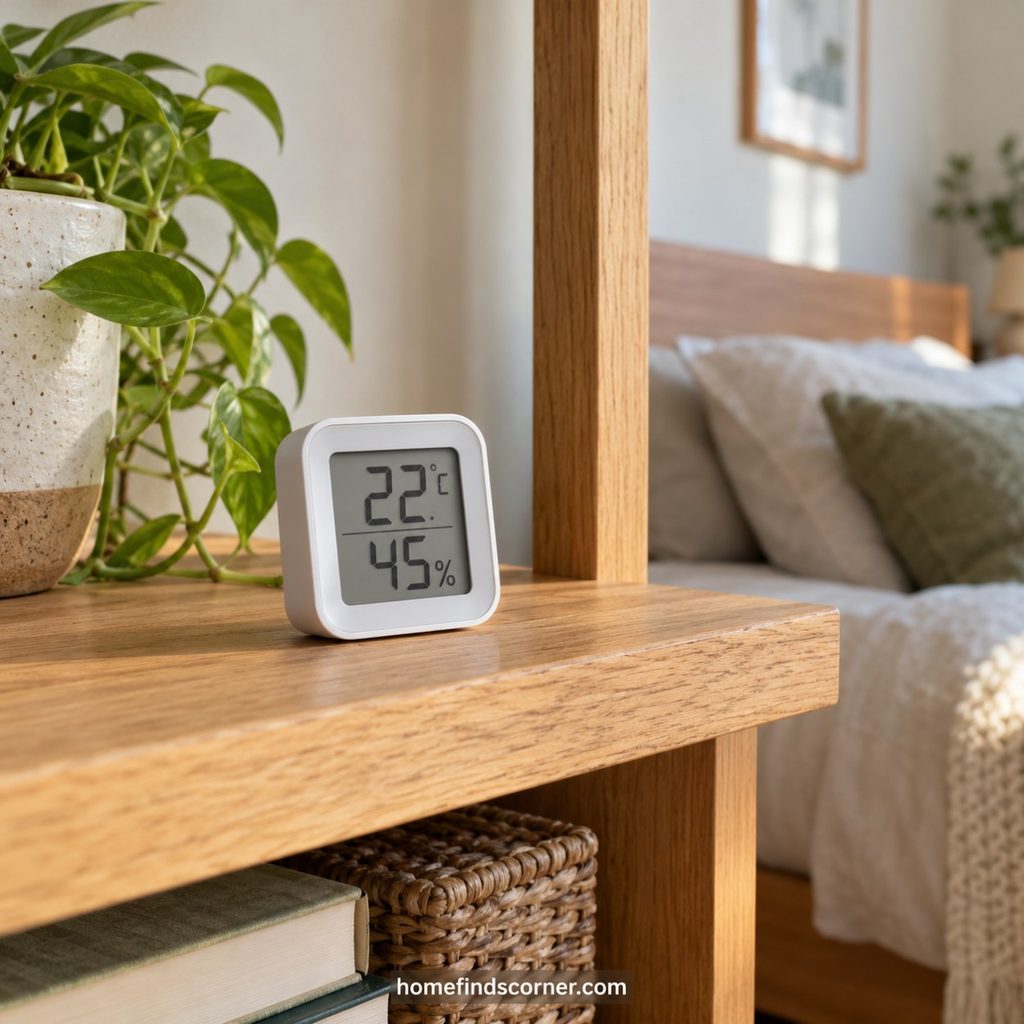
If a room feels stuffy or unusually dry, a monitor gives you something more concrete than a guess. Place one in the room you use most and observe how readings change throughout the day.
The SwitchBot Meter Plus displays temperature and humidity. Check which features work nearby over Bluetooth and which require additional hardware for remote access.
Keep it away from direct sun, radiators, and humidifier mist for more representative readings. Monitoring describes conditions; changing them still requires ventilation, heating, cooling, or suitable humidity-control equipment.
11. A Robot Vacuum for Everyday Crumbs
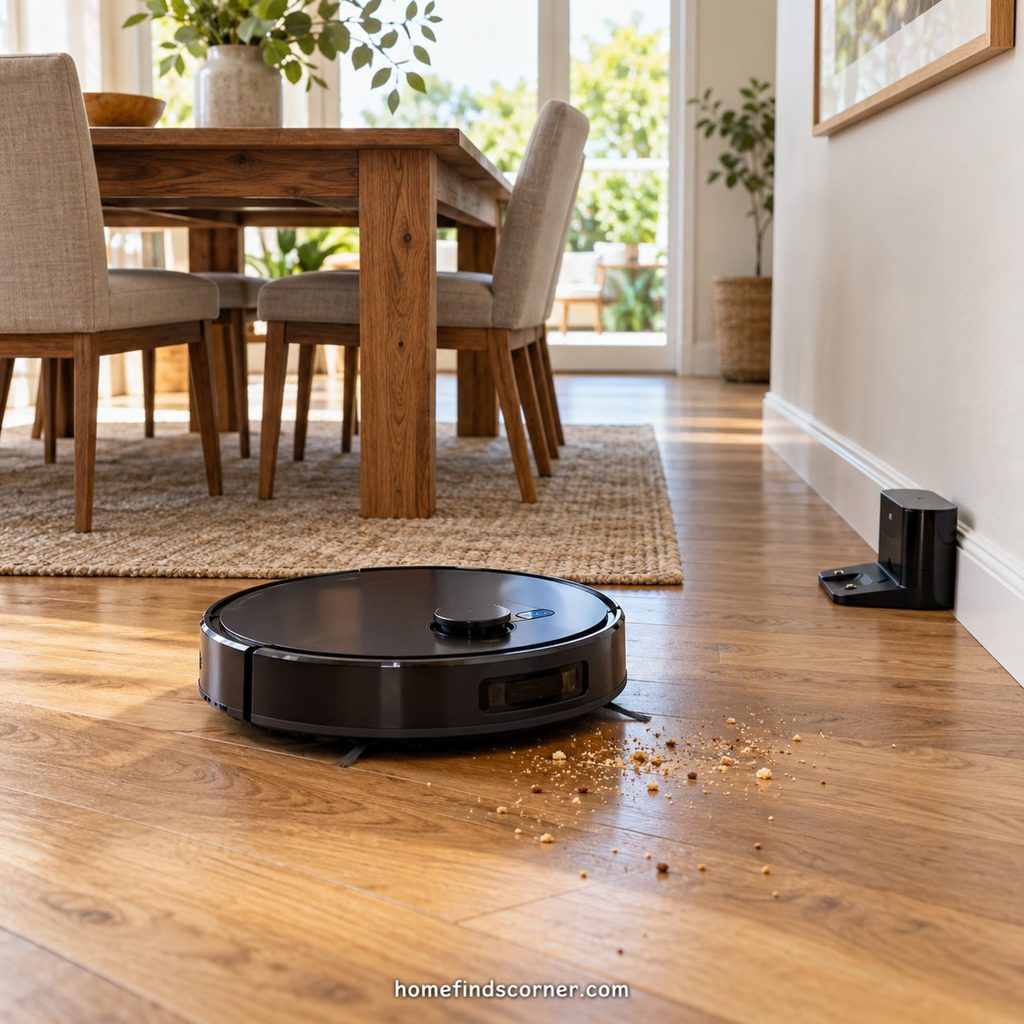
A robot vacuum can take repeated light floor cleaning off your list. It is especially appealing when crumbs and tracked-in dirt build up between deeper cleans.
Look for room mapping and controls that suit your floor plan. The Roborock Q5 Pro series illustrates LiDAR-based mapping, although current model availability should be checked locally.
Before choosing, measure clearance under furniture and consider rugs, thresholds, cords, and the dock location. An automatic emptying dock adds convenience but also takes space. You will still need to maintain brushes and filters and prepare the floor.
12. An Indoor Camera With a Storage Plan
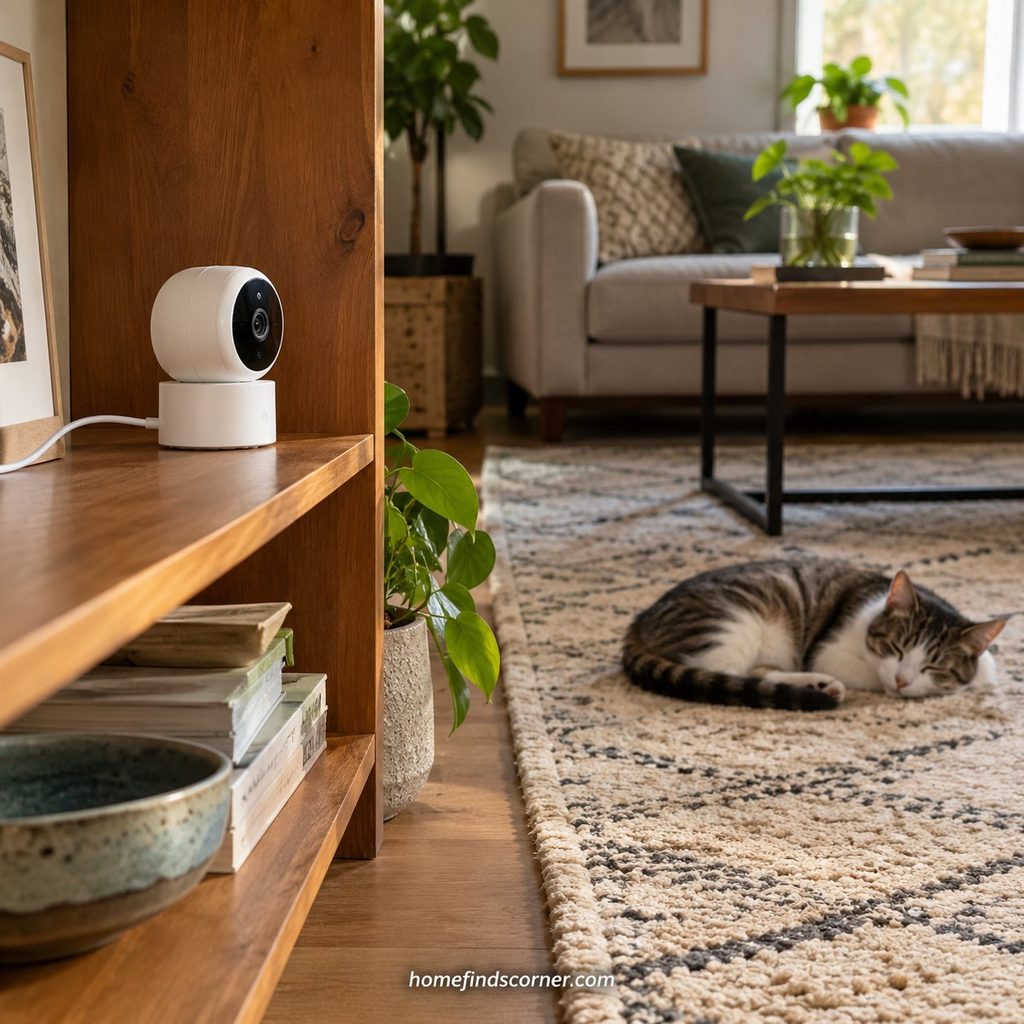
An indoor camera can help you check a particular area while away, such as a pet’s usual resting spot. Decide where it will point before buying one.
The Tapo C120 supports local microSD recording and optional cloud storage. A suitable memory card is an additional purchase.
Compare recording access, alerts, and storage rather than resolution alone. Choose a position that household members are comfortable with, secure the account, and review sharing permissions. Local recording and remote viewing are different functions, so check what happens when your internet connection drops.
13. A Video Doorbell for Visitor Checks
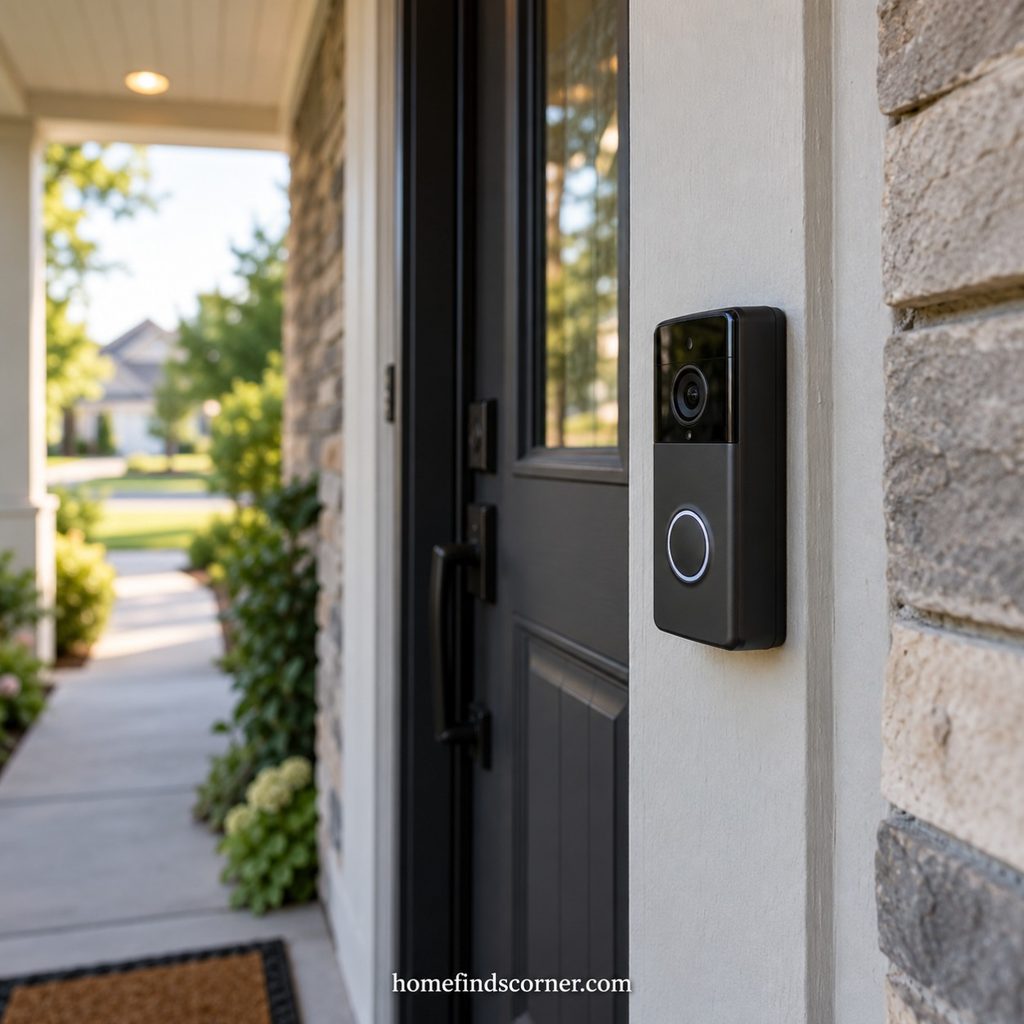
A video doorbell is useful when you want to see who is at the entrance before walking to the door. It can also help you respond to deliveries when supported by the device and connection.
The Tapo D225 is one model to compare using its current installation and storage documentation.
Check the mounting space, view of the doorstep, power arrangement, and chime compatibility. Battery convenience comes with charging requirements. For a rental, confirm permission before drilling or changing wiring. Review recording fees before comparing the total cost with another model.
14. A Wireless Smart Button for Everyday Control
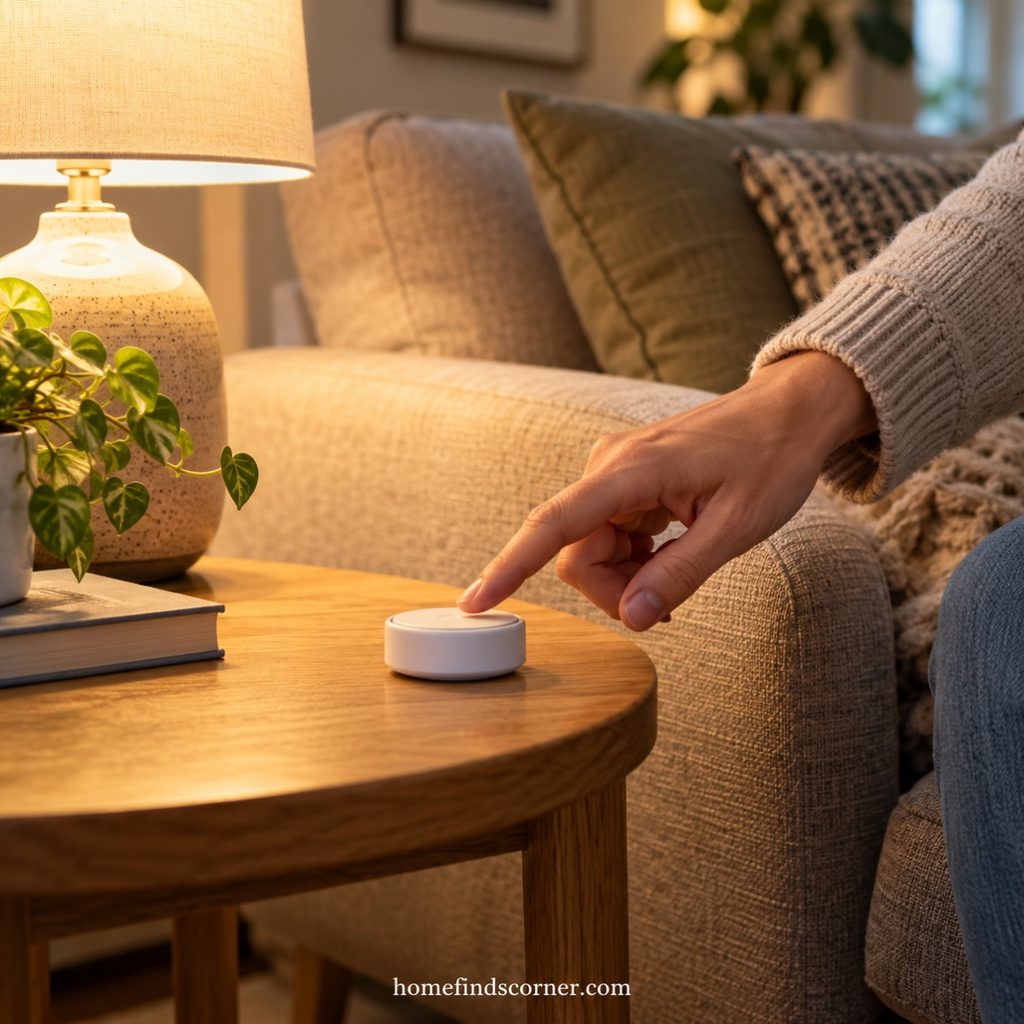
A smart button is useful precisely because you do not always want to reach for your phone. Put one beside the sofa for a reading scene or near the bedroom door for turning compatible lights off.
Choose a button that works with your existing platform and supports the actions you need. Verify hub requirements and whether single, double, or long presses can be assigned.
Keep the first setup obvious. A clearly placed button with one familiar function is easier for family and guests to use than several hidden shortcuts. Confirm battery type and replacement access too.
15. A Button Pusher for an Older Device
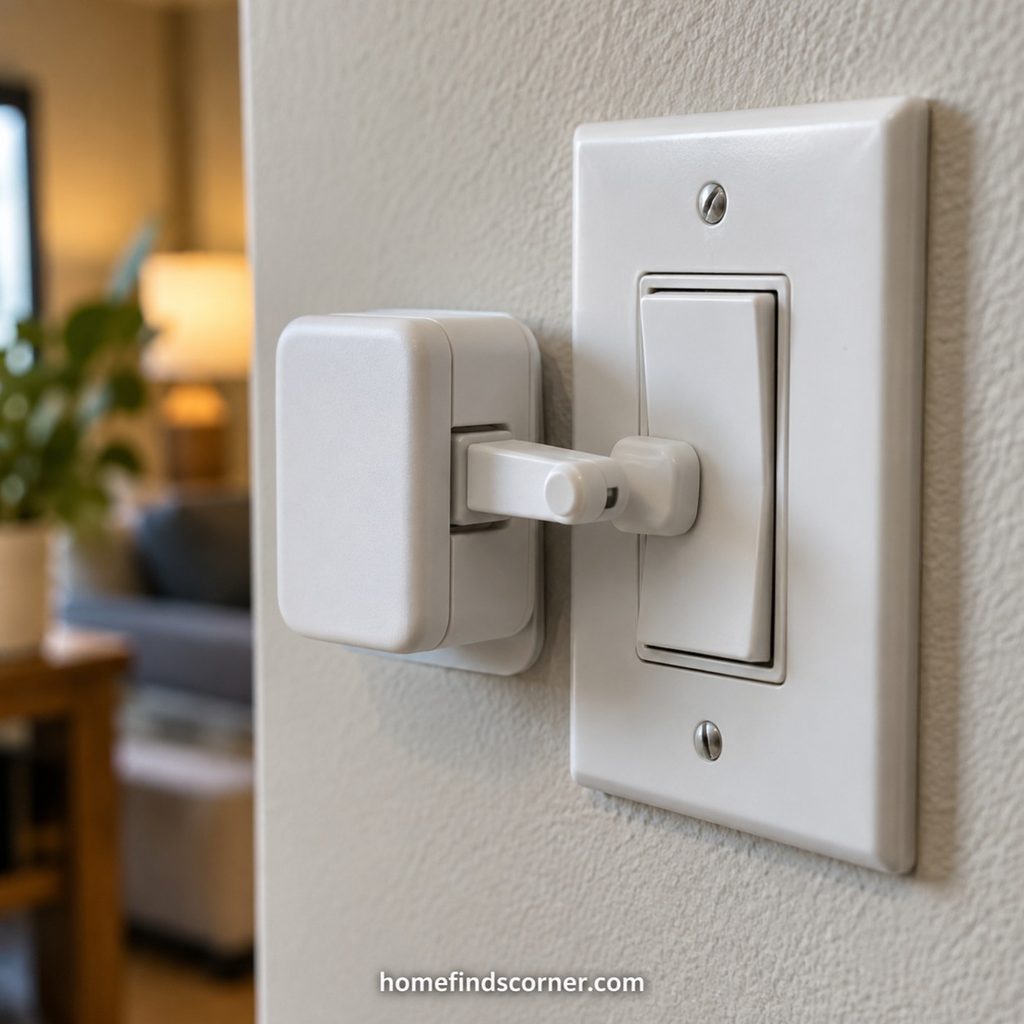
A button pusher physically presses an existing control. It is a niche gadget, but it can be useful when one awkward switch is the main problem.
The SwitchBot Bot is designed for compatible switches and buttons. Fit depends on the control’s shape, movement, and mounting space; broader integrations may require a hub.
Test that the arm can reach and release the button reliably. Favor simple, low-risk uses with a clear view of the device. A physical button pusher cannot confirm that the appliance completed the intended action unless another system supplies that information.
Start With One Useful Routine
The smart home gadgets worth trying are the ones you can connect to a task you already repeat. Begin with one lamp, one overlooked leak location, or one chore you would like to automate. Use it for a week, adjust the settings, and expand when the benefit is clear.
Frequently Asked Questions About Smart Home Gadgets
Which smart home gadget should I try first?
Start with a smart plug for an existing lamp or one smart bulb. Both let you test a useful routine before buying several devices or committing to a larger setup.
Do all smart home gadgets need a hub?
No. Some connect directly through Wi-Fi. Others need a manufacturer hub, a Matter controller, a Thread border router, or a combination. Read the exact model’s requirements before purchasing.
Does Matter mean every feature works in every app?
No. Matter helps supported devices communicate across ecosystems, but manufacturer-specific features and automation options can differ. Verify your intended action in your chosen platform rather than relying on the logo alone.
Will smart devices work without internet?
It depends on the device and setup. Local controls or automations may continue, while remote access and cloud services may stop. Ask specifically about the function you need during an outage.
Do smart home gadgets require subscriptions?
Some do, particularly for cloud recordings or advanced services. Others offer useful basic features without recurring fees. Include storage, hubs, accessories, and optional subscriptions when comparing costs.
Which gadgets suit renters?
Smart plugs, bulbs, freestanding monitors, and removable controls are reasonable starting points. Check lease restrictions before altering fixtures, drilling, or attaching hardware that might damage a surface.
For more practical inspiration, see our home gadgets for everyday life and more smart home devices articles.